

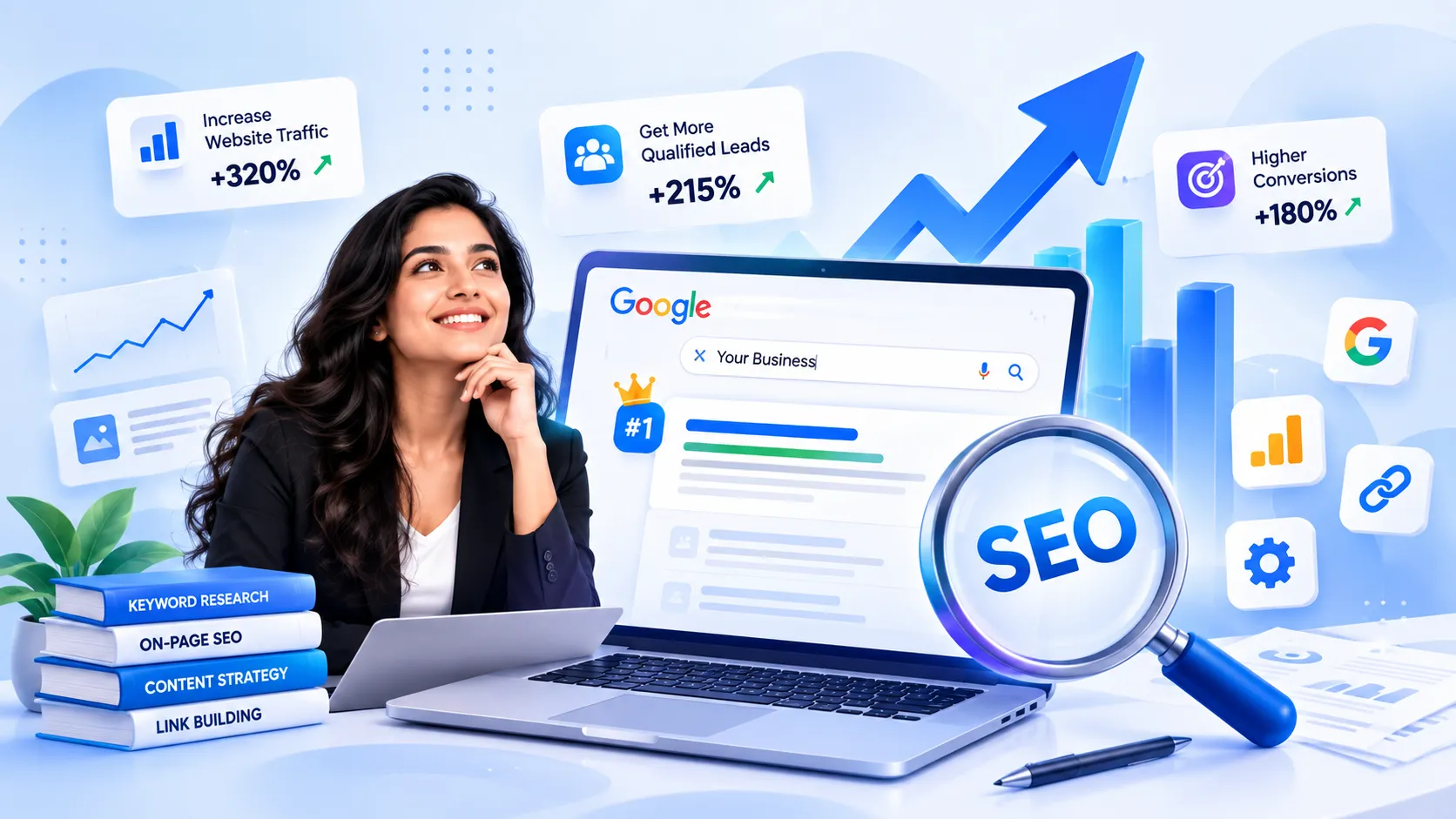
What Is On-Page SEO?
On-page SEO means optimizing the elements on your web pages so they rank higher in search results and attract the right visitors. It covers. What people see (content, headings, images) and what search engines read (title tags, meta descriptions, URLs).
Think of it like arranging a shop. If products are neatly labeled and easy to find customers buy more. In the way a well-organized page helps Google understand your topic and show it to the right people.
Quick difference: on-page SEO happens on your website while off-page SEO happens outside it such as backlinks from sites. Technical SEO deals with site structure, crawling and speed.
Why Is On-Page SEO Important?
Search engines can't "see" a page the way humans do. They rely on signals to decide what a page is about and whether it deserves a spot. On-page SEO provides those signals.
Here's why it matters:
rankings: Clear signals help Google match your page with the right searches.
Clicks: An attractive title and description make people choose your result.
Better user experience: A clean fast readable page keeps visitors longer.
Full control: Unlike backlinks you can change everything on your page yourself.
Key On-Page SEO Elements
1. Title Tag
The title tag is the headline in search results. Keep it under 60 characters put your keyword near the beginning and make it interesting enough to earn a click.
2. Meta Description
This is the summary under the title. It doesn't directly boost rankings. A good one improves click-through rate. Write 150–160 characters include your keyword naturally and tell readers what they'll gain.
3. Headings (H1, H2, H3)
Use one H1 per page which is your main title. Use H2s for sections and H3s for sub-points. Headings make your content easy to scan for both readers and search engines.
4. URL Structure
Short descriptive URLs work best. For example yoursite.com/on-page-seo is better than yoursite.com/p?id=4827. Use hyphens between words. Avoid unnecessary characters.
5. High-Quality Content
Content is the heart of on-page SEO. Answer the searchers question fully write in language and match the search intent. Use your keyword in the first 100 words and sprinkle related keywords naturally. Never stuff keywords, because it hurts readability and rankings.
6. Internal and External Links
Internal links connect your pages and help Google discover them. External links to sources build credibility. Use anchor text such as "keyword research guide" instead of "click here."
7. Image Optimization
Compress images so they load fast use file names (on-page-seo-checklist.jpg) and add clear alt text. Alt text helps impaired users and lets Google understand your image.
8. Page Speed and Mobile-Friendliness
Most people browse on phones. If your page loads slowly or looks broken on mobile visitors leave quickly. Use a design compress files and test your speed with Google PageSpeed Insights.
Examples and Practical Tips
Lets say you run a blog and want to rank for " breakfast ideas."
Before:"Our Breakfast Blog Post"
URL: site.com/post123
Image name: IMG_2045.jpg
After:"15 Healthy Breakfast Ideas for Busy Mornings"
URL: site.com/healthy-breakfast-ideas
Image name: healthy-breakfast-oats-bowl.jpg, with alt text "bowl of oats with fruit"
Same content but the second version is far clearer to both Google and readers.
Quick on-page SEO checklist:
Research one keyword per page before writing.
Add the keyword to the title, H1, URL and first paragraph.
Write paragraphs (2–3 lines) and use bullet points.
Add 2–3 links to related posts.
Compress every image before uploading.
Update posts regularly to keep them fresh.
Read your page aloud. If it sounds unnatural simplify it.
Frequently Asked Questions (FAQs)
1. What is the difference between on-page and off-page SEO?
On-page SEO covers things you do on your website, like content, titles and images. Off-page SEO happens outside your site, backlinks and brand mentions.
2. How long does on-page SEO take to show results?
Usually 3 to 6 months depending on competition and your sites authority. Small changes like titles can show results sooner.
3. How times should I use my keyword?
There's no number. Use it naturally in the title first paragraph, a headings and where it fits. Focus on content not repetition.
4. Do I need a plugin for on-page SEO?
Not required, but tools like Yoast SEO or Rank Math make it easier by checking titles, descriptions and readability for you.
Conclusion
On-page SEO is the foundation of every website. When you optimize your titles, headings, URLs, content, images and links you make it easy for both Google and your readers to understand and enjoy your pages. The best part is that you control all of it and small improvements add up over time.
Ready to start? Pick one existing blog post today. Fix its title tag, meta description and image alt text. Then watch how your rankings and clicks change over the coming weeks. Want SEO tips? Subscribe, to our newsletter. Leave a comment with your biggest SEO question!